NFC Storage Labels
Stick a reusable NFC tag on each bin. Tap it with your iPhone and WatInside shows you everything inside — no camera aim, no good lighting, no reprinting when the contents change.
Reusable · works in the dark · on-device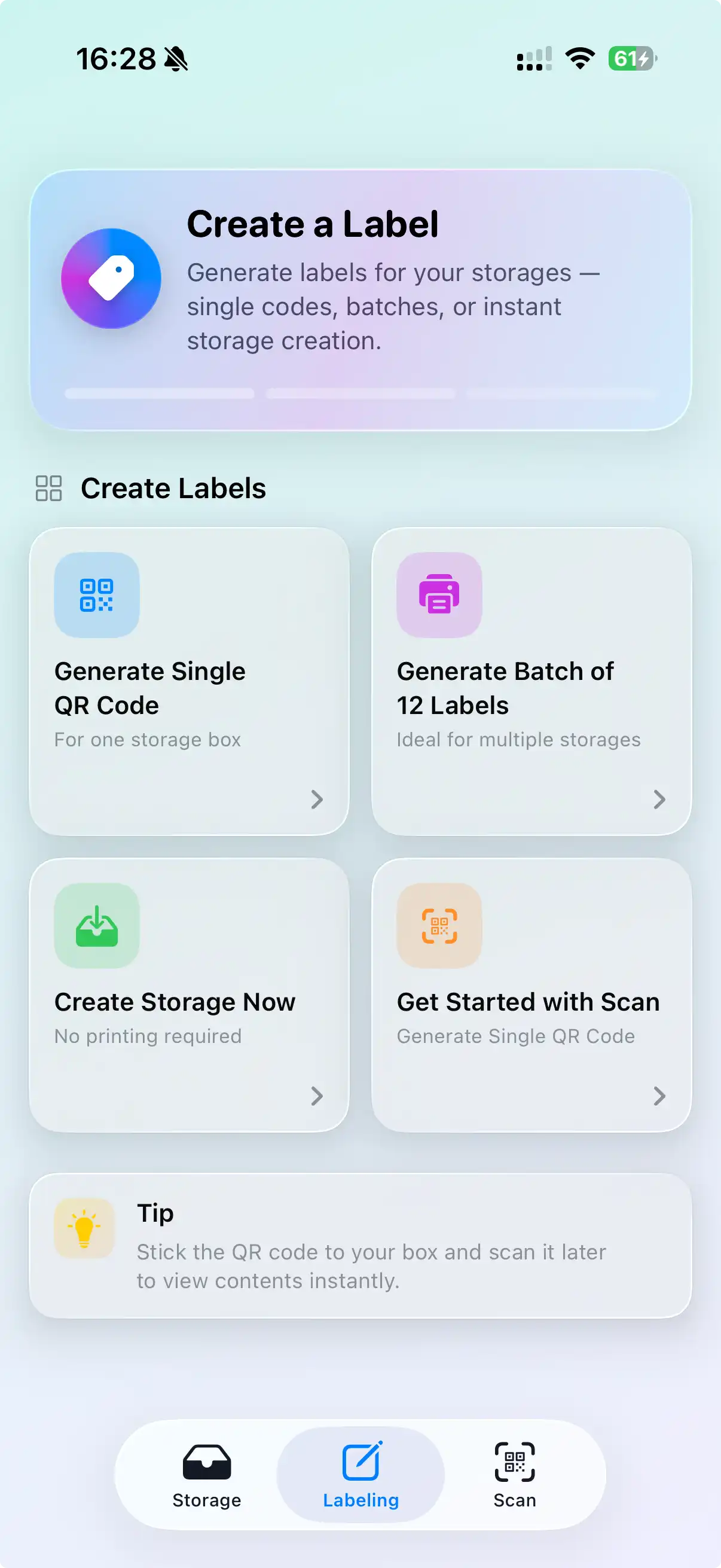
Why NFC tags make better storage labels
A printed label is frozen the moment you print it. NFC tags are not: the tag holds a reference, and the contents list behind it updates whenever you add or remove something. There's no line of sight to line up and no lighting to fight — a tap through the lid is enough. For bins you'll keep for years in a garage, basement, or closet, that's the difference between a label you trust and one you stopped updating in 2023.
How to set up NFC storage labels
Buy blank tags
Any NTAG213, NTAG215, or NTAG216 sticker works. NTAG213 is plenty for this. Get the ones rated for the surface — some need a shielded tag to sit on metal shelving.
Fill the bin in the app
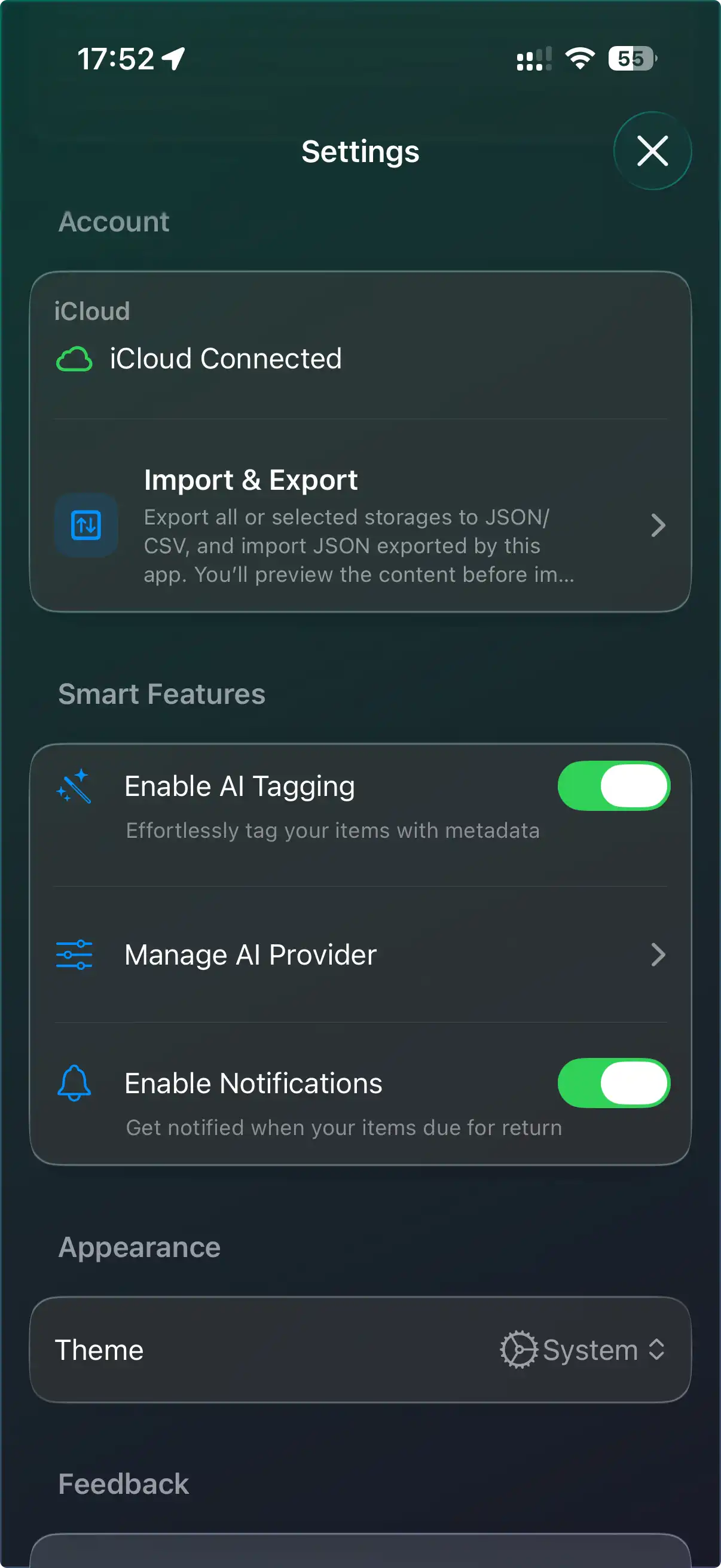
Create the bin in WatInside, photograph the contents, and let AI tagging name the items so the list is quick to build.
Write the tag
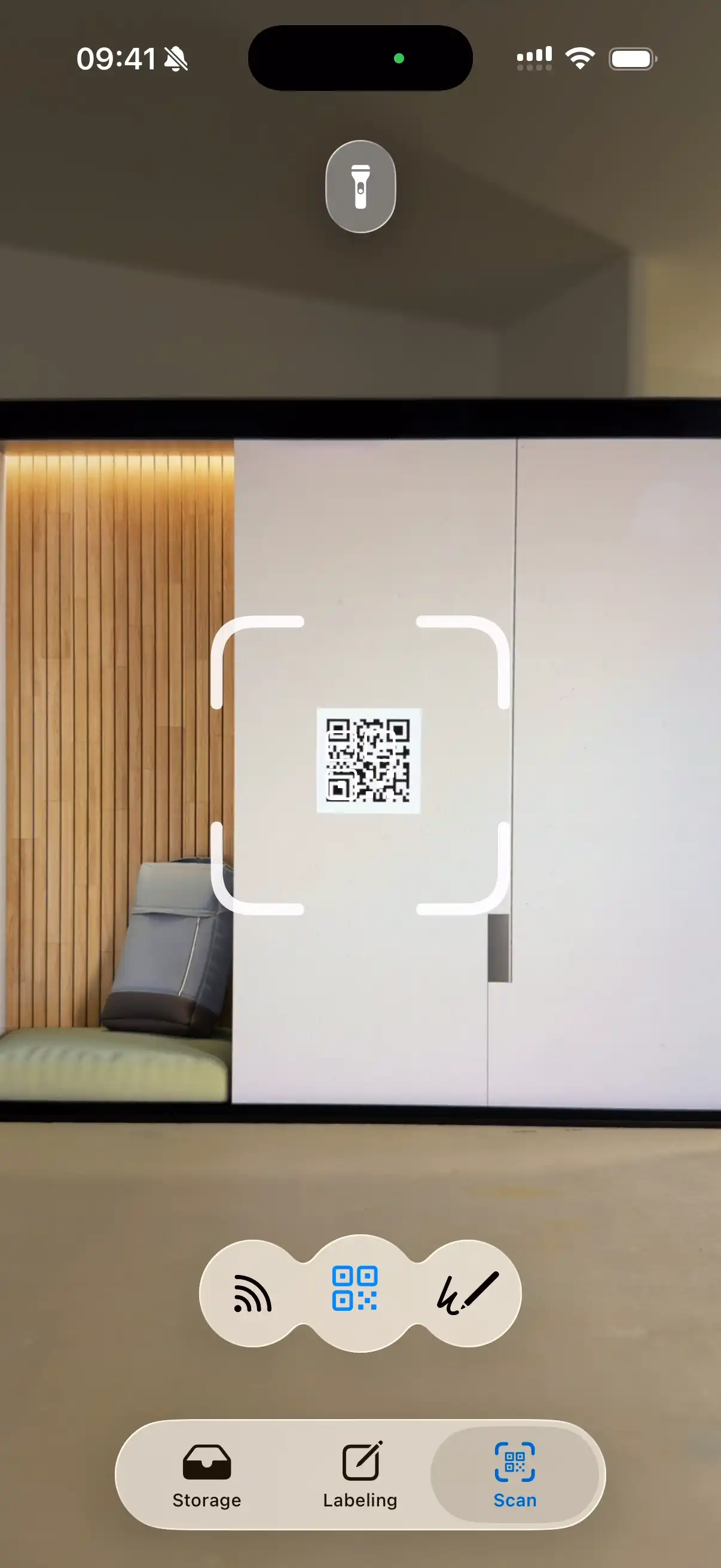
Choose "NFC" when creating the label and hold the tag to the top of your iPhone. WatInside writes the link in a second. Peel and stick it to the bin.
Tap to open
Tap any bin with your iPhone to jump straight to its contents. Search an item and the app tells you which bin to tap.
NFC vs. QR for storage
| NFC storage labels | QR code labels | |
|---|---|---|
| Scan in the dark | Yes | No — needs light |
| Line of sight | Not needed — tap through a lid | Required |
| Reusable | Rewrite the same tag | Reprint the label |
| Cost | A few cents per tag | Free to print |
| Best for | Long-term bins | Moves & cardboard |
Plenty of people mix both — NFC on the plastic bins that live in the garage, printed QR codes on the cardboard that goes out with the next move.
Your inventory stays private
The tag stores only a reference WatInside recognizes. The actual list of what you own never leaves your device except to sync through your own iCloud account. Someone tapping your bin with a generic NFC reader sees nothing useful.
Frequently asked questions
Which NFC tags should I buy?
NTAG213 stickers are the cheapest and hold more than enough for this. NTAG215/216 give extra memory you won't need here. For metal shelving or metal bins, buy tags labeled "on-metal" or "anti-metal".
Do I need to buy NFC tags from WatInside?
No. Any blank NTAG21x tag from any retailer works. WatInside just writes the link to it.
Can I rewrite a tag when the bin's contents change?
You don't have to. The tag points at the bin, and the contents list updates in the app. You'd only rewrite a tag if you want to point it at a completely different bin.
Does my iPhone support NFC scanning?
Every iPhone from the iPhone 7 onward can read NFC tags, and recent models scan them in the background just by holding the phone near the tag.
What about Android?
WatInside is iOS-only for now, so the tap-to-open workflow needs an iPhone or iPad.
Related
Tap a bin. See what's inside.
Turn a pack of cheap NFC tags into a storage system you'll actually keep up to date.
Try WatInside Free