Moving Box QR Labels
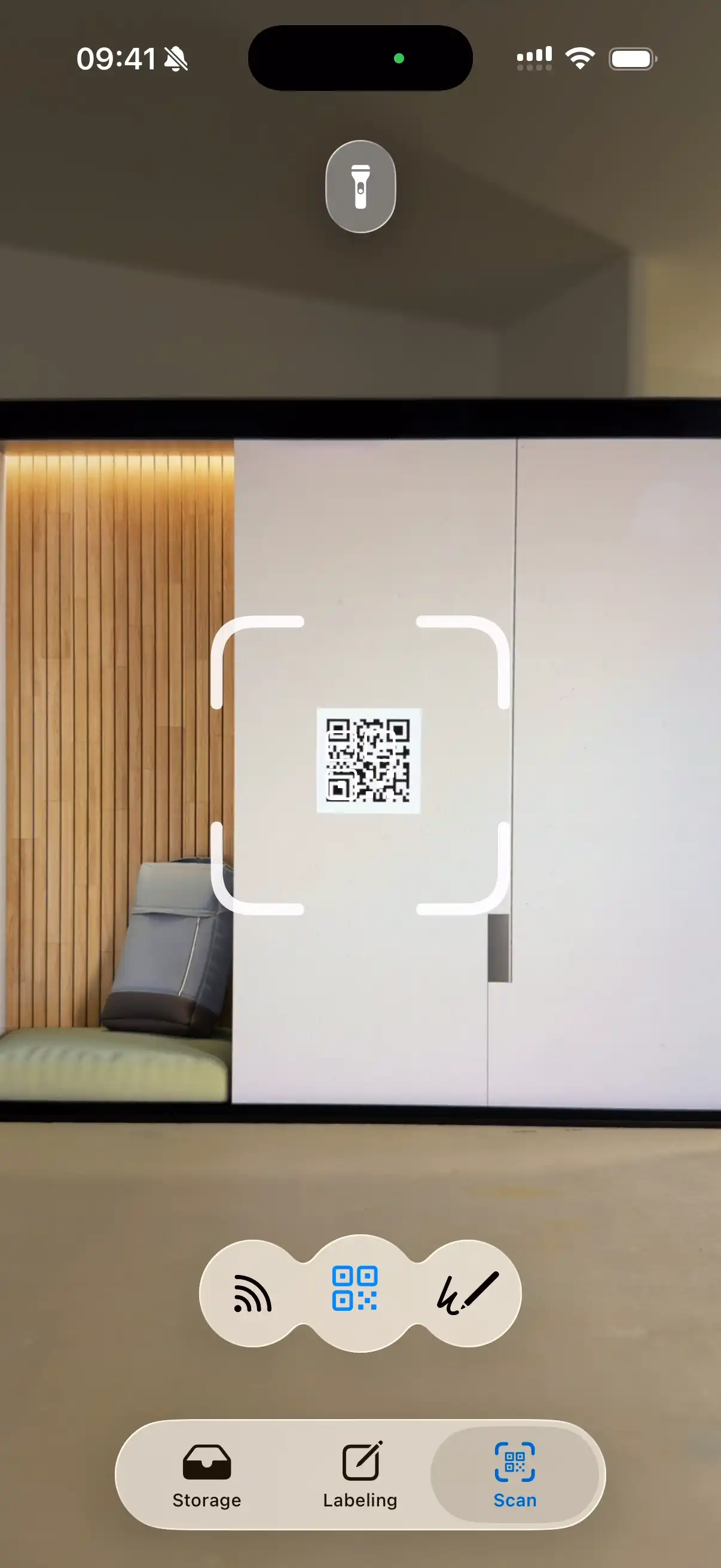
Stick a QR code on every box, then point your camera at any box to see exactly what's inside — no opening, no digging, no "which box has the coffee maker?"
Free printable labels + iOS app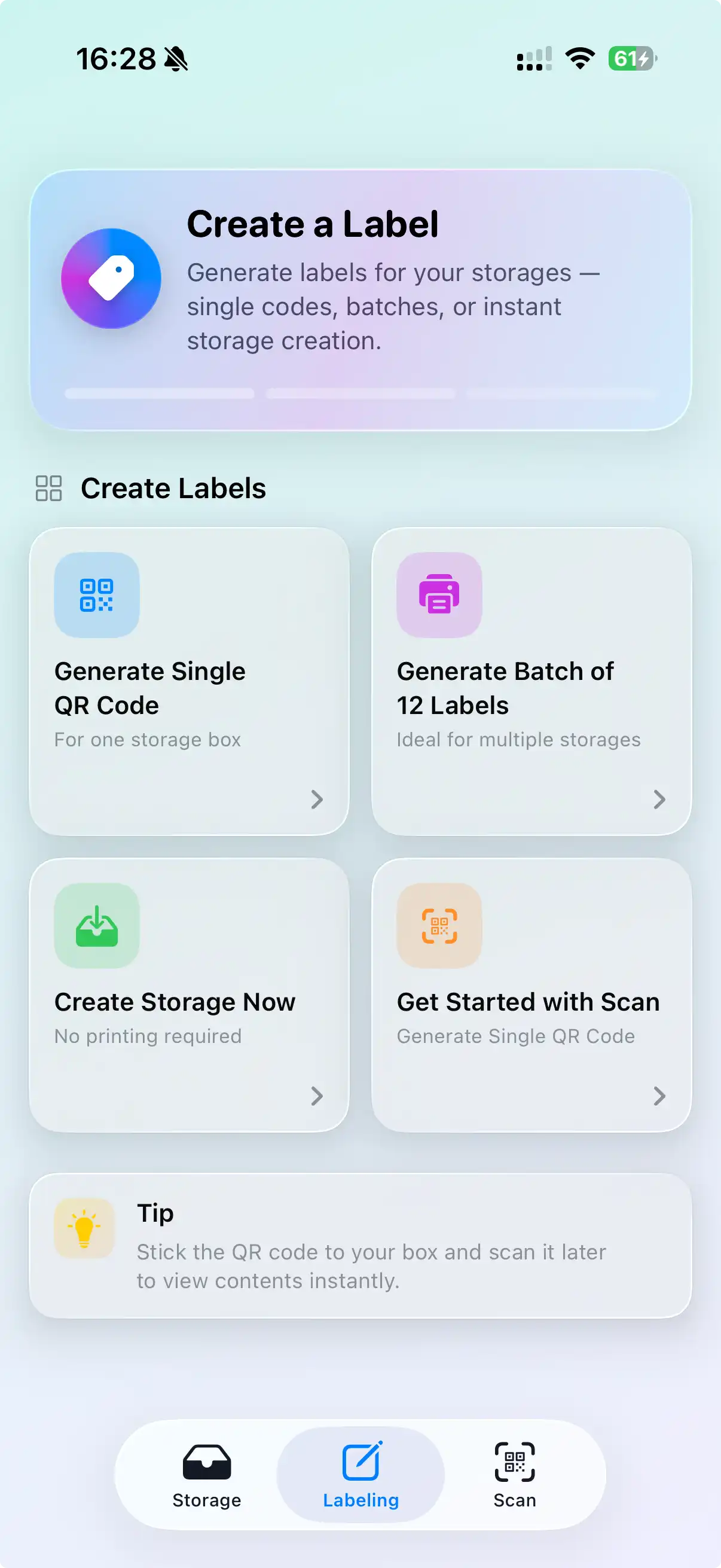
Why QR labels beat handwritten box lists
Writing "Kitchen — misc" on the side of a box tells you almost nothing three weeks later. A QR label links the physical box to a full, searchable list of what's actually in it. Search "phone charger" in the app and it tells you the box number and the room it's headed to. Scan a box on the truck and confirm its contents in a second. The label stays tiny; the list behind it can be as long as you need.
How to label moving boxes with QR codes
Get the labels
Download the free printable moving box labels (PDF, 4 per page) or generate a unique QR code for each box right in the WatInside app.
Create the box
Add a box in the app, snap a photo of what goes in, and let AI tagging suggest item names so you're not typing every sock.
Attach the QR code
Tape the matching QR label to the box. Put it on two sides so you can read it however the box is stacked.
Scan to find
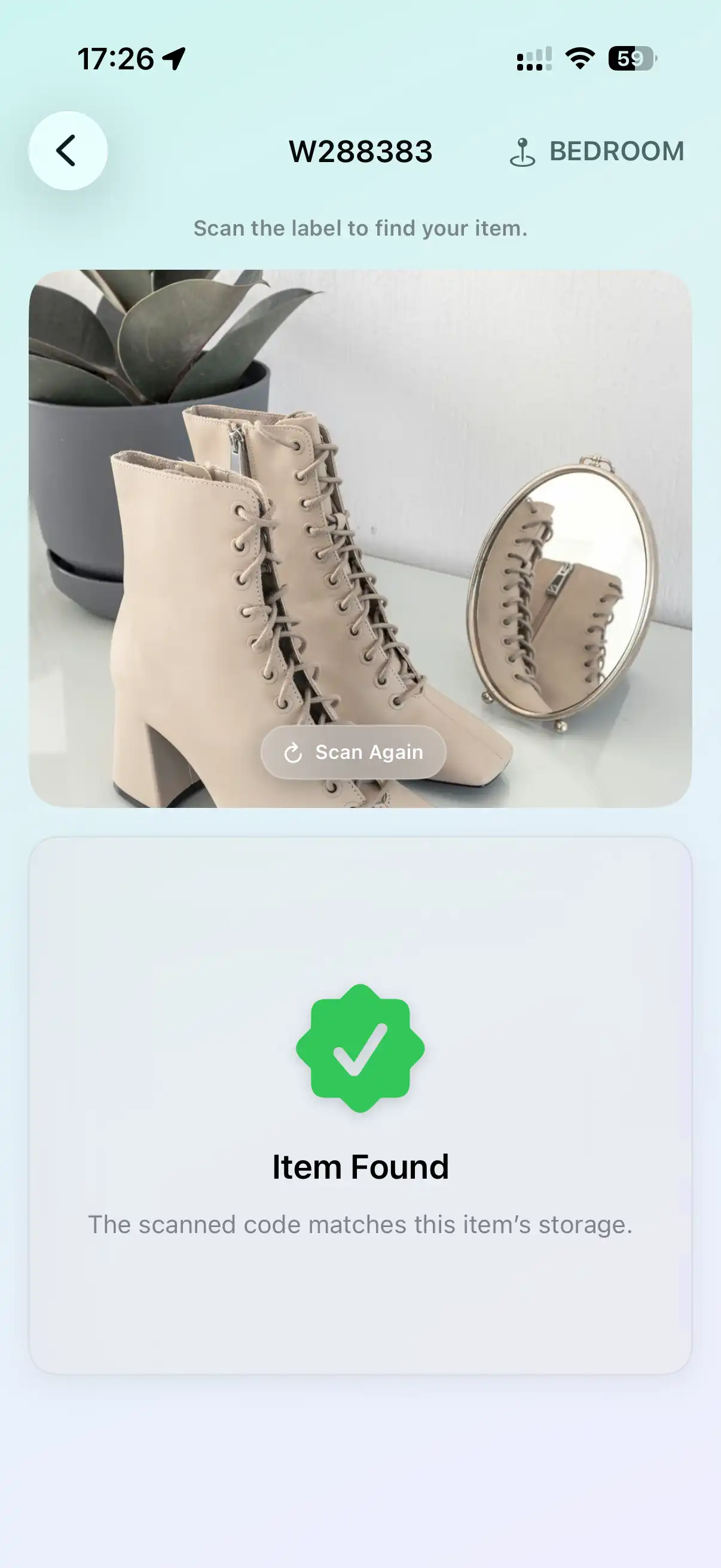
At the new place, scan any box to see its contents, or search an item to find which box and room it's in — before you cut a single strip of tape.
QR codes vs. NFC tags vs. handwriting
| Method | Best for | Cost | Notes |
|---|---|---|---|
| QR labels | Moves, cardboard boxes, anything you'll recycle | Free to print | Needs decent light and a clear line of sight to scan |
| NFC tags | Long-term bins you keep for years | A few cents per tag | Tap to read, works in the dark, no line of sight |
| Handwritten codes | No printer, last-minute packing | Free | Write a short code with a marker; the app reads your handwriting |
Private by design
The QR code only holds a reference that WatInside understands — not your inventory. Your list of belongings stays on your device and syncs through your own iCloud. A stranger who scans a label with a generic QR reader learns nothing about what you own.
Frequently asked questions
Are the moving box QR labels really free?
Yes. The printable PDF on our free labels page is free with no sign-up. The WatInside iOS app is free to use during early access.
Do I need a special scanner app?
You scan the labels with WatInside so it can match the code to your inventory. The iPhone Camera app can open the link too, but only the app shows you the box contents.
What if a QR label gets torn or wet?
Print a spare sheet, or switch that box to an NFC tag. You can also just search the item in the app — it still knows which box it's in even if the label is gone.
Can I reuse the labels after the move?
QR labels on cardboard usually get recycled with the box. For bins you keep, generate fresh codes for the new contents or move to reusable NFC tags.
Does it work on Android?
WatInside is iOS-only right now. The printable labels work with anything, but the scanning workflow needs an iPhone or iPad.
Related
Pack once. Find anything.
Label your boxes with QR codes and search your whole move from your phone.
Try WatInside Free