Handwritten Label Scanner
No printer, no stickers, no NFC tags. Write a short code on the box with a marker, point your camera at it, and WatInside reads your handwriting and pulls up the contents.
No printing · on-device handwriting recognition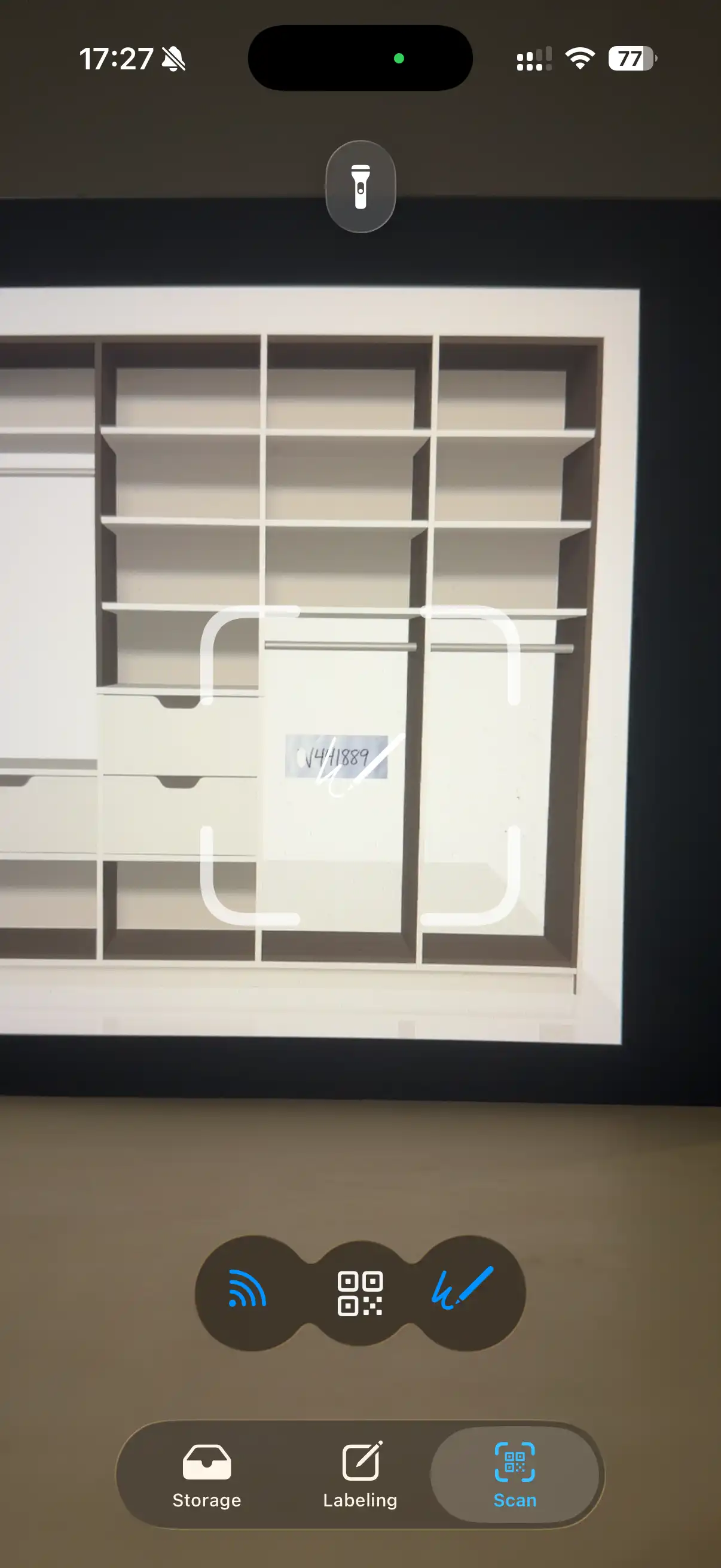
When a handwritten label is the right call
Sometimes you're taping up the last box at 11pm and the printer is already packed. WatInside gives each box a short code — a few characters — that you write straight onto the cardboard or a strip of tape. Later, the app's scanner recognizes that handwriting and links it back to the full contents list. You get searchable boxes without owning a label printer, a sheet of stickers, or a single NFC tag.
How the handwritten label scanner works
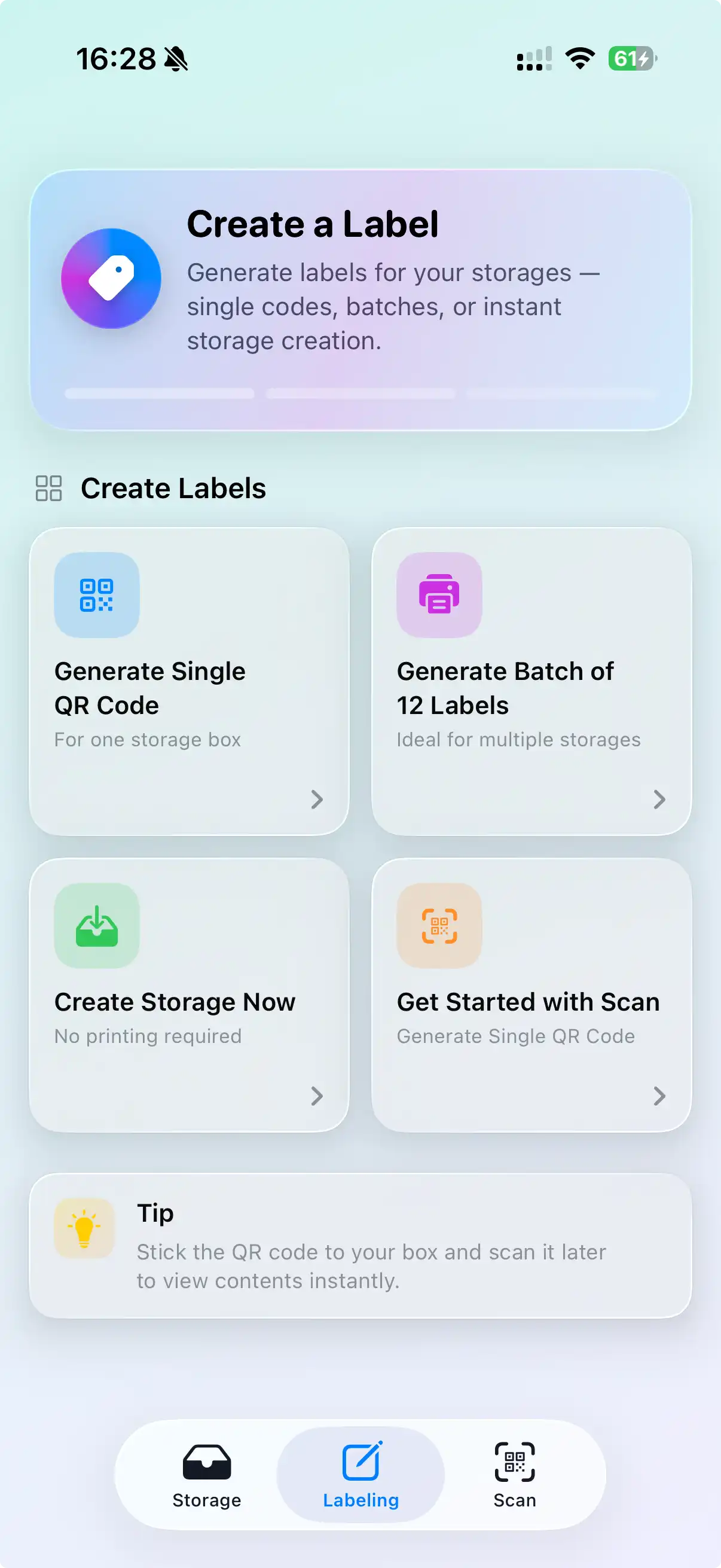
Create the box
Add the box in WatInside, photograph what's going in, and let AI tagging name the items for you.
Write the code
The app shows a short code for that box. Write it big and clear on the box with a permanent marker.
Scan the handwriting
Open the scanner and point your camera at the code. On-device handwriting recognition reads it — no internet needed.
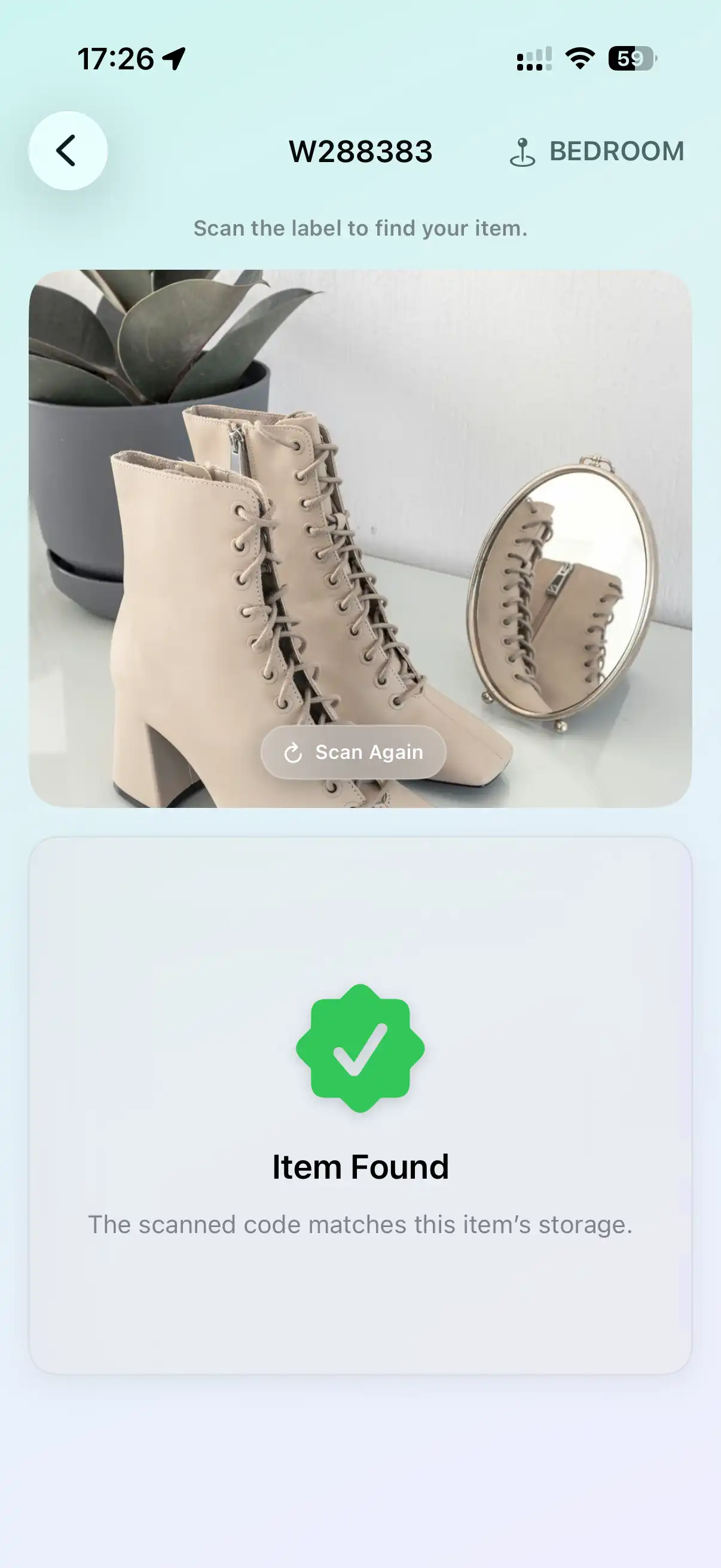
See what's inside
WatInside matches the code and shows the box's contents. Or search an item first and it tells you which code to look for.
Tips for clean scans
Handwriting recognition is good, not magic. A few habits make it near-instant:
Go big
Fill the side of the box. Bigger characters read faster and survive smudges.
Print, don't join
Block capitals beat cursive. Leave a gap between characters.
Dark on light
A black or blue marker on plain cardboard is ideal. Avoid writing over printed graphics.
Slash ambiguous ones
Slash your zeros and cross your sevens so they don't read as O or 1.
How it compares
Reads your handwriting, not your data
Handwriting recognition runs on your device. Your inventory stays local and syncs only through your own iCloud. Nothing about your boxes or their contents is sent to us.
Frequently asked questions
Does it work with messy handwriting?
Usually, yes — the codes are short and the app is tuned for quick block lettering. If a scan misses, tap to type the code instead; it's only a few characters.
Can I write my own words instead of the code?
The scanner matches the short code WatInside assigns to each box. Write extra notes next to it if you like, but the code is what links to your inventory.
Do I need an internet connection to scan?
No. Handwriting recognition happens on your iPhone or iPad, so it works in a storage unit with no signal.
What surfaces can I write on?
Cardboard, packing tape, painter's tape, or a paper label. Any flat, light surface a marker sticks to.
Is there an Android version?
Not yet — WatInside is iOS-only for now.
Related
All you need is a marker.
Write a code, scan it, and every box you packed is searchable from your phone.
Try WatInside Free