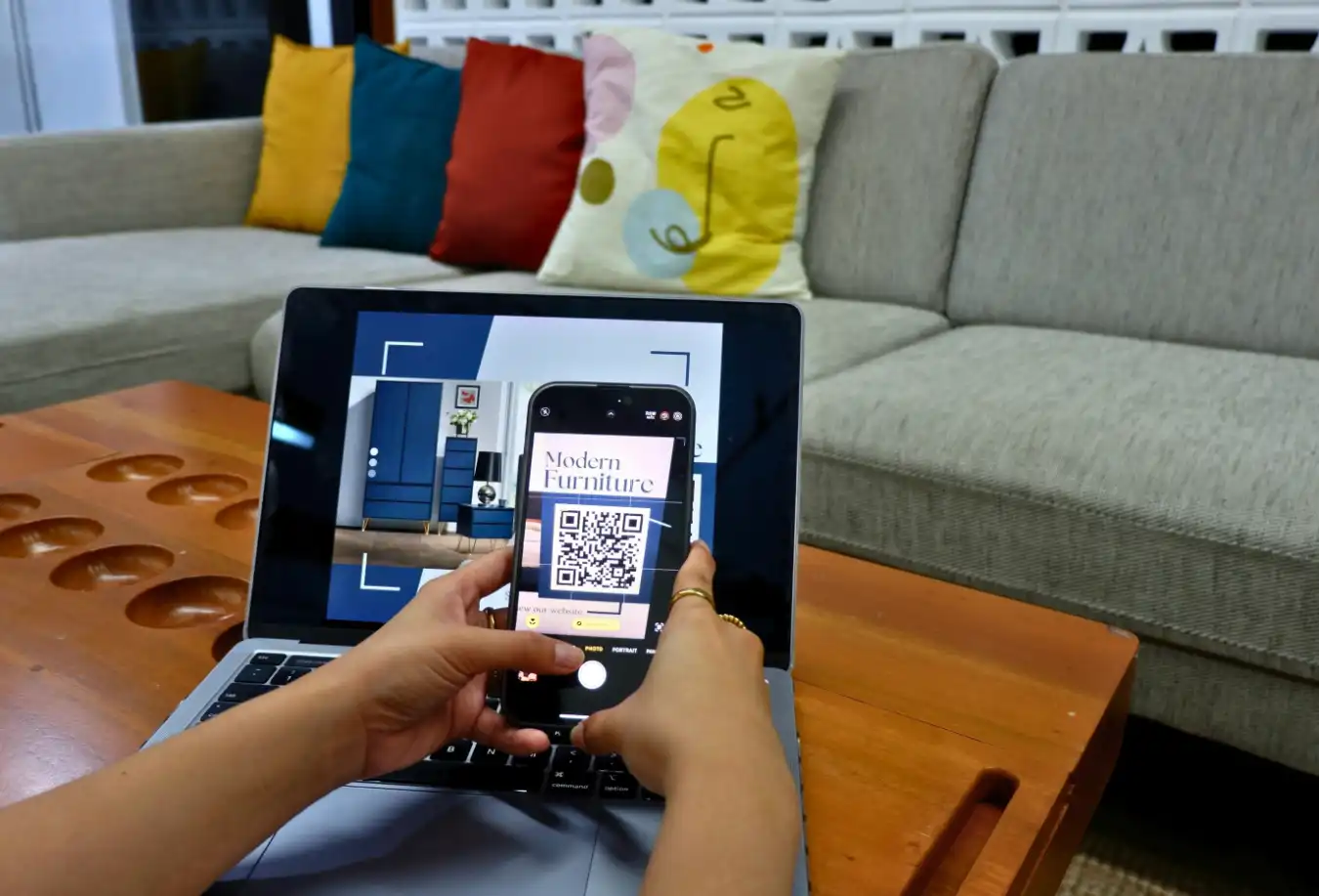
Gone are the days of guessing what’s inside “Box #4”. Today, savvy organizers are using QR code labels for storage bins to create searchable, digital storage units.
But what is the best system? Should you use printable smart labels, buy pre-made stickers, or use an NFC tag scanner on iPhone?
We break down the pros and cons of Smart Labels vs ToteScan and show you how WatInside lets you generate your own codes for free—or skip the printer entirely.
1. QR Code Labels for Storage Bins (The Standard)
The most popular modern method is using QR codes. You scan the box with your phone, and the app tells you what’s inside.
How it Works:
You download a smart labels app, generate a code, print it out (or buy pre-made stickers), and stick it on your bin.
- Pros: Cheap, universal (any phone can scan them), and easy to print at home.
- Cons: You need a working printer. If the label gets ripped or wet, it stops working.
- Best For: Long-term storage in attics or basements where you want to see an inventory list instantly.
Pro Tip: With WatInside, you don’t need to buy expensive sticker packs. We let you generate standard QR codes for free that you can print on any Avery label sheet.
2. NFC Tags: The “Magic” Upgrade
If you want to feel like you are living in the future, NFC (Near Field Communication) is the way to go. These are small stickers with a microchip inside—the same tech used in Apple Pay.
How it Works:
You buy a pack of cheap NFC stickers (about $0.50 each) and stick them on your bins. You don’t need to open the camera app; you just tap the top of your iPhone to the box, and WatInside instantly opens the inventory list for that specific box.
- Pros: Faster than QR codes (no camera needed). Works even in low light (dark garages). Durable and waterproof options available.
- Cons: Slightly more expensive than paper. Requires an NFC tag scanner iPhone (iPhone XS and newer).
- Best For: Frequently accessed boxes (e.g., toy bins, tool chests) where speed matters.
3. Smart Labels vs. ToteScan: Which Ecosystem?
A common question we see is users comparing Smart Labels vs ToteScan. These are two of the “OG” players in the market.
- ToteScan: Requires you to buy their proprietary labels. They work well, but you are locked into their ecosystem. If you run out of stickers on moving day, you are stuck waiting for Amazon.
- The WatInside Difference: We believe in hardware freedom.
- Want to use NFC? Go for it.
- Want to print your own QR codes? Do it for free.
- Don’t have a printer? Use our exclusive feature below.
4. The No-Printer Solution: Handwritten Recognition
This is where WatInside changes the game. We realized that the biggest friction point in organizing is not having a printer or running out of special stickers.
We built a unique Handwritten Label Recognition engine.
How it Works:
- Take a sharpie and write a short code on your box (e.g., “W01”, “BOX-A”, “X99”).
- Open WatInside and point your camera at your handwriting.
- The app recognizes the text and links it to your digital inventory.
No printer. No stickers. No NFC chips. Just a marker and your phone.
- Pros: 100% Free. Zero prep time. Works on masking tape, cardboard, or directly on the bin.
- Cons: Requires decent lighting for the camera to read.
- Best For: Moving day chaos when you just need to get things packed FAST.
Verdict: Which Tech Should You Use?
- For the Tech-Obsessed: Buy a pack of NTAG215 NFC stickers and enjoy the “tap-to-view” magic.
- For the Organizer: Print neat, uniform QR code labels for storage bins using WatInside’s export feature.
- For the Mover: Grab a sharpie and use our Handwritten Recognition. It’s the fastest way to pack a house.
Ready to upgrade your storage? Download WatInside and choose the labeling method that fits your workflow.
