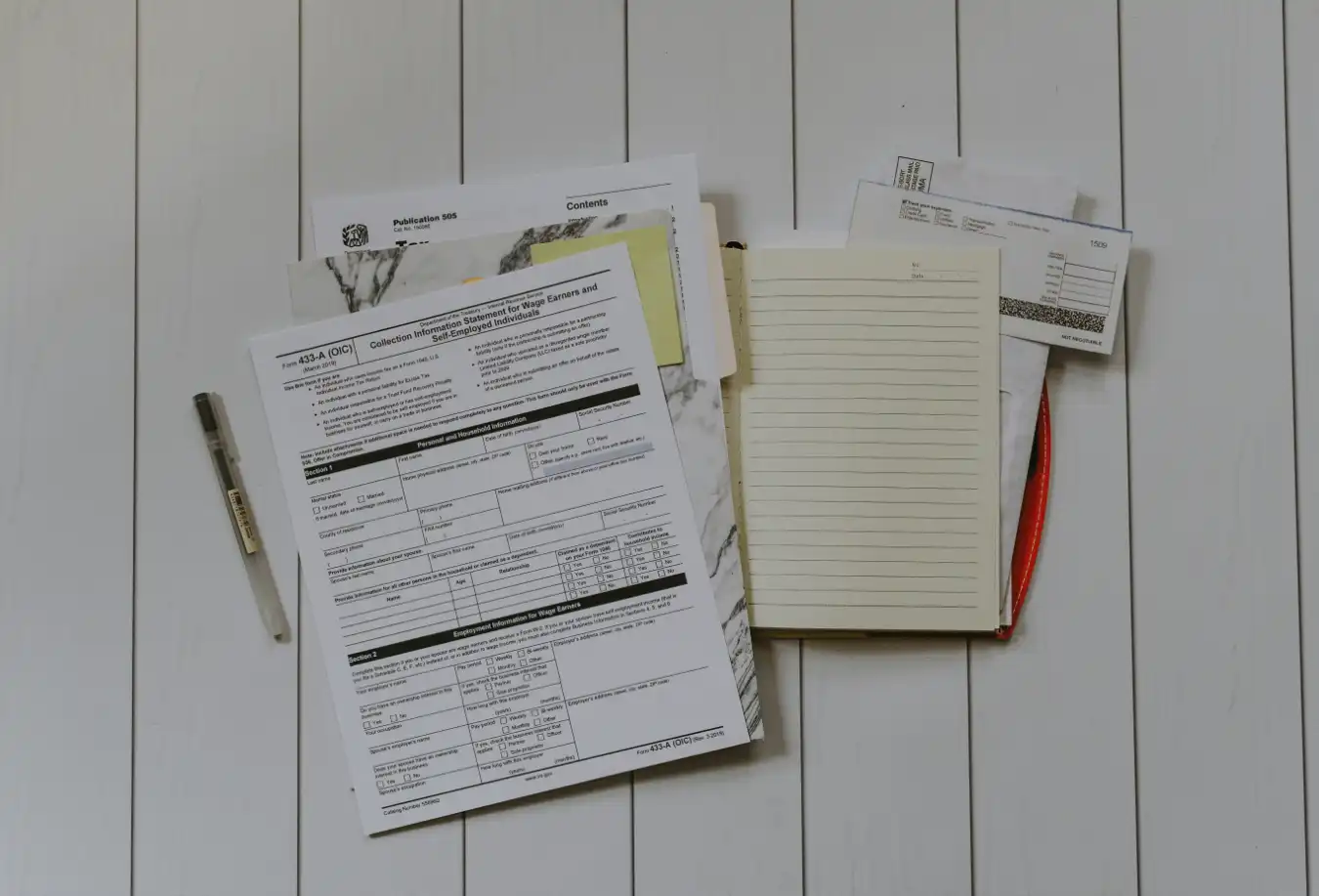
If your home was damaged today, could you list every single item you own? For most people, the answer is no. This is why having a home inventory for insurance is critical.
While you could use a home contents inventory list template in Excel, these are often outdated the moment you save them.
The best home inventory app for insurance doesn’t just list items—it stores photos, receipts, and purchase dates securely. Here is how to protect your financial future in 15 minutes.
The “Memory Test” (Why You Will Lose Money)
Insurance adjusters have a saying: “If it isn’t documented, it didn’t exist.”
After a fire, flood, or burglary, you are in a state of shock. Asking your brain to recall the brand of your toaster or the model number of your TV is impossible.
Without a detailed list, insurance companies often default to the cheapest replacement value.
- Without proof: They pay for a generic “Toaster” ($15).
- With proof: They pay for your “Breville Smart Oven Pro” ($280).
That single difference, multiplied across your entire house, can cost you tens of thousands of dollars.
Why Excel Templates Fail
Many people search online for a home contents inventory list template. While this is better than nothing, a spreadsheet has three fatal flaws:
- No Visuals: It takes too much effort to link photos to spreadsheet cells.
- Hard to Update: You won’t open your laptop every time you buy a new blender.
- Zero Mobility: You can’t walk around the house with your desktop computer.
To capture the “visual proof” insurers demand, you need a mobile-first tool.
What the Best Home Inventory App for Insurance Does
In 2025, a dedicated app is the only serious way to track your assets. When evaluating apps like WatInside, look for these specific “Insurance-Ready” features:
1. Photo Proof & Serial Numbers
This is the gold standard. In WatInside, you snap a photo of the item, and then a second photo of the serial number/label on the back. This indisputable proof prevents adjusters from downgrading your claim.
2. Receipt Storage
Do you have a shoebox full of fading thermal receipts? Digitalize them. Attach a photo of the receipt directly to the item in the app. If you bought it online, screenshot the Amazon order confirmation and attach that.
3. PDF Export
If disaster strikes, you don’t want to hand the insurance agent your phone. The best home inventory app for insurance generates a professional PDF report. With one tap, WatInside creates a document listing every item, its value, purchase date, and photo evidence, ready to email to your agent.
How to Create Your Inventory in 15 Minutes
You don’t need to log every spoon and sock. Start with the “High Value” assets.
The “Big 4” Checklist:
- Electronics: TVs, laptops, gaming consoles, cameras. (Log Serial Numbers!)
- Appliances: Washer, dryer, fridge, high-end vacuums.
- Jewelry & Art: Take detailed photos of hallmarks or signatures.
- Hobby Gear: Golf clubs, musical instruments, expensive tools.
Use WatInside’s AI Tagging to move fast. Walk into the living room, snap a photo of the TV, tap “Electronics,” and move on. You can add the serial number later.
A Note on Privacy
When creating a home inventory for insurance, you are creating a map of your most valuable possessions. You should be careful about where this data lives.
Unlike apps that store your list on a generic public cloud, WatInside is Local-First. Your data lives on your device and your personal, encrypted iCloud. This ensures that only you (and your insurance agent, when you choose) see what you own.
Don’t wait for a disaster to test your memory. Protect your investment today. Download WatInside and build your safety net in minutes.
